Real touch typing for your class. Free. No accounts.

Bumpy Keys teaches home-row typing to ages 4–9 through a racing game on iPad. Nothing to set up: no logins, no student data, works offline on the cart. Kids play ten minutes; you get posters, certificates and a flyer to send home.

Get free school codes▶ Try it (30 seconds)
Why teachers pick it

Built for grades K–4, and for the way school iPads actually work.

Zero setup

Install from the App Store (or Apple School Manager). No accounts, no class rosters, no passwords to reset. A five-year-old can start alone: Bumper the bear says everything out loud.

Zero student data

Nothing is collected or sent — no analytics, no ads, no logins. Progress lives on the iPad. That means no data agreements to sign and nothing to explain to families.

Real technique

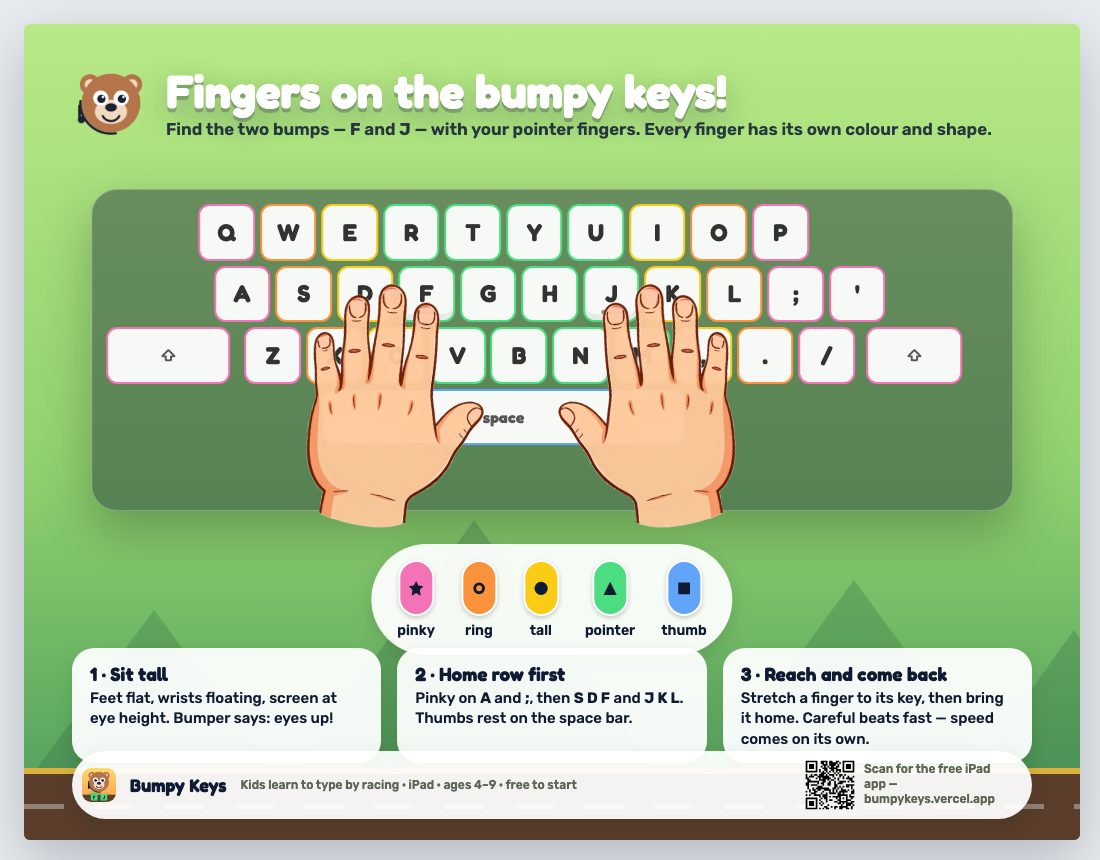
Home row first (the two bumpy keys, F and J), colour and shape for every finger, illustrated hands that fade as accuracy holds, "eyes up" rounds so kids stop looking down. Accuracy earns levels; speed earns the third star.

Works on the cart

Keyboard case or not. Without a keyboard, big on-screen keys appear with the hands guide. Fully offline. Ten-minute daily quest fits a station rotation.

Ages 4–9 in one app

Little Racers (4–5) get letters only, bigger targets and every key spoken; older kids get words, sentences, numbers, symbols and speed. Sixty levels, six leagues.

Something to take home

Certificates at each milestone, a progress road to colour, and a family flyer with a QR code so the practice continues at home — where the kid asks for it.
Free school codes

Every world, free for your classroom.

The curriculum is already free and each child's first world is free forever. If you'd like all twenty worlds unlocked on classroom iPads, we'll send you free codes — one per iPad — no strings. Tell us where you teach and how many iPads:

Opens your email app with the request filled in. Codes are Apple promo codes redeemed in the App Store — nothing to install, no account for the child.

Classroom kit

Print these today.

Hand-position poster

The keyboard by finger colour + shape, with the hands on home row.

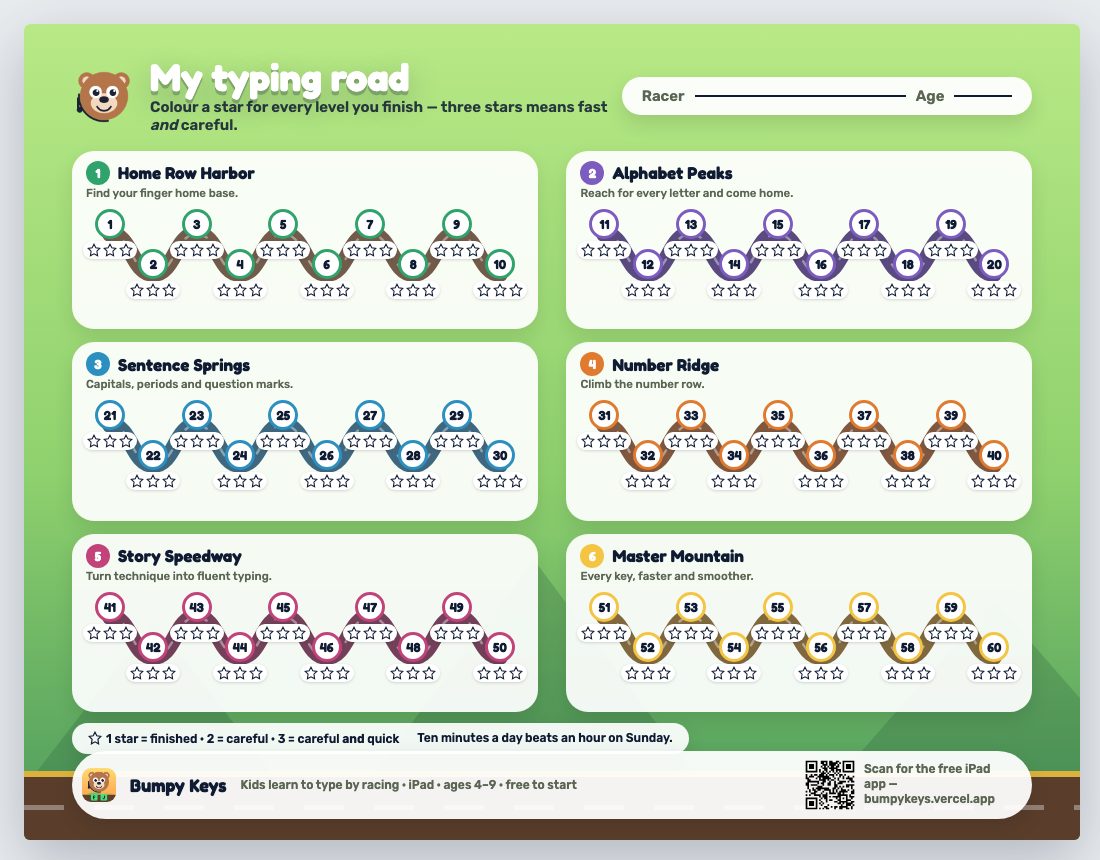
Progress road

Sixty stops, three stars each — one per student, or one for the wall.

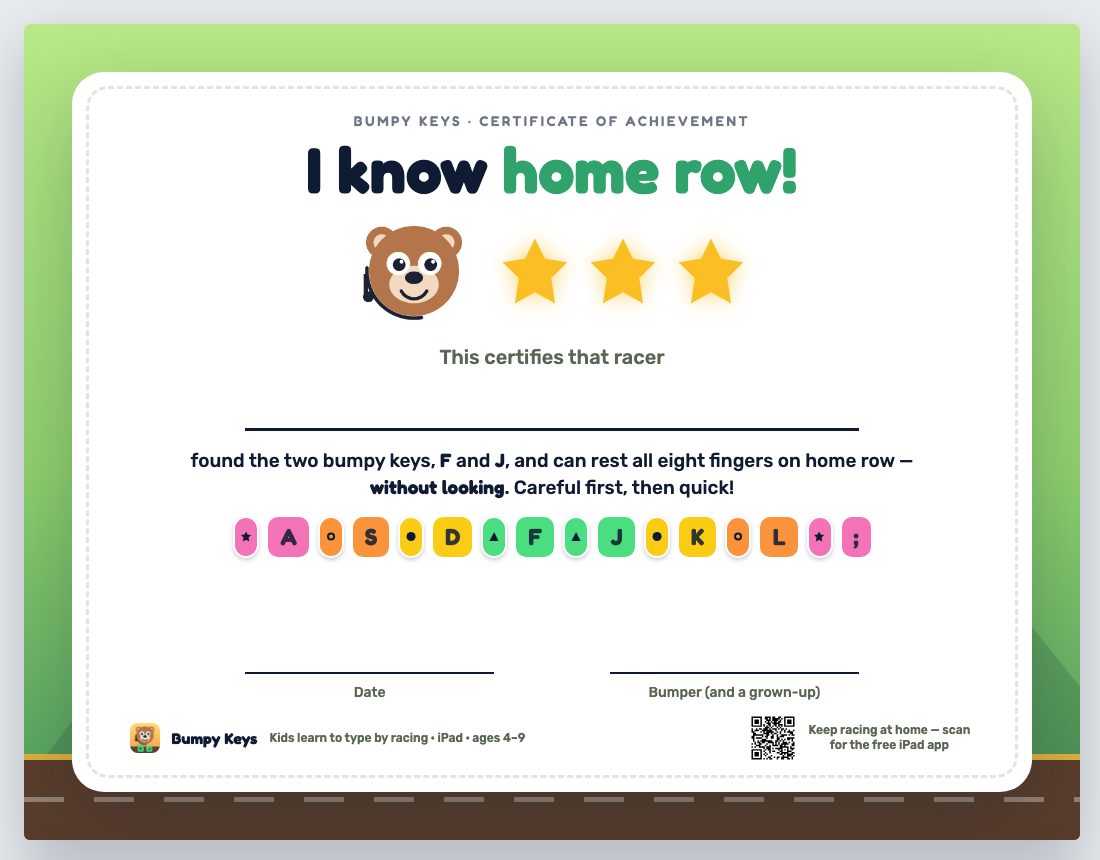
Certificates

Home row · Alphabet Champion · Master Typist.

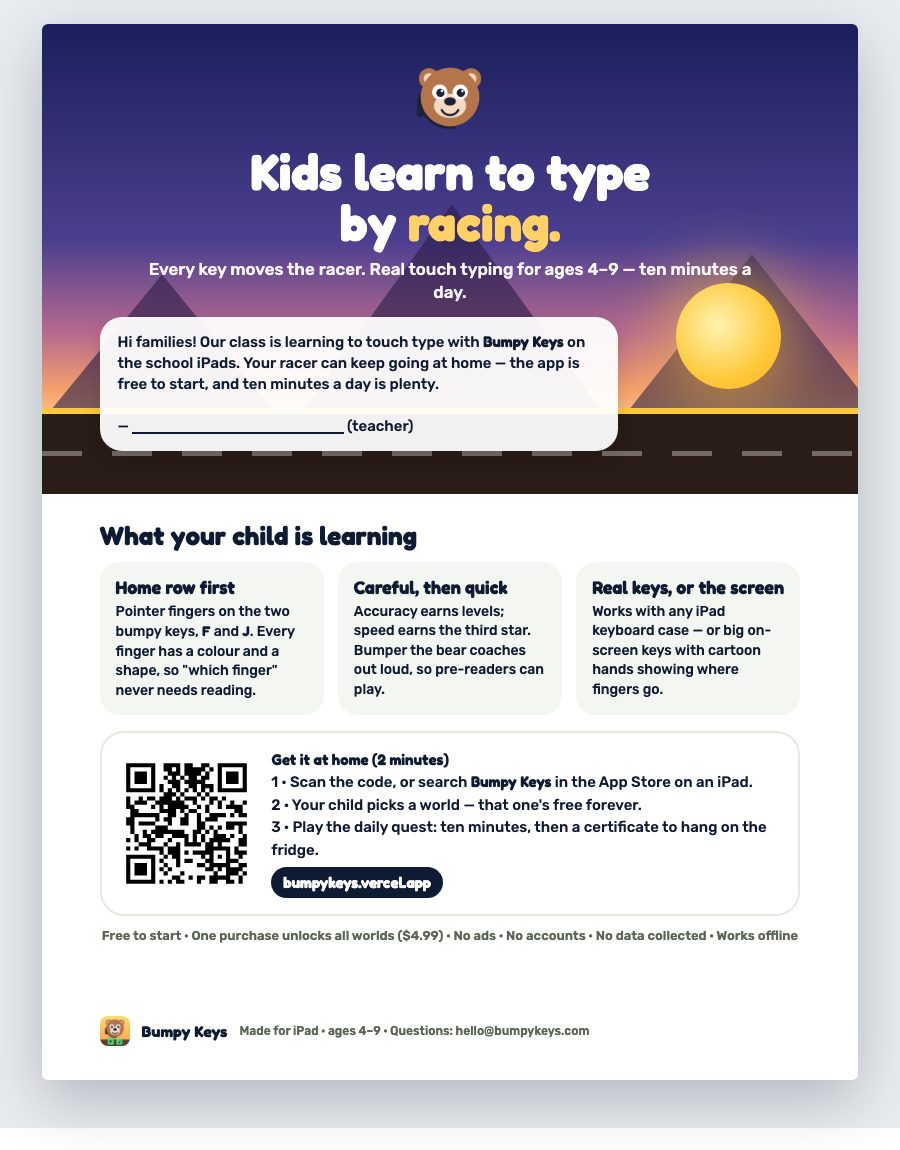
Family flyer

"Bumpy Keys at home" — sign it, send it in the folder.

All of them, plus notes: bumpykeys.vercel.app/printables

Questions teachers ask

How do we install it on a cart?

It's a regular App Store app (search "Bumpy Keys"), so it installs through Apple School Manager / your MDM like any other. If your district blocks in-app purchases, that's fine — the curriculum doesn't need them; only extra worlds do, and school codes cover those.

Does it work with shared iPads?

Yes — one racer per iPad today, which fits 1:1 and station carts. If your class shares one iPad among many kids and you'd like per-student switching, tell us on the code request; it's on the list.

Where does it fit in a typing scope & sequence?

Home row (F/J anchors) → all letters by finger → capitals & punctuation → number row → sentences and stories with speed. Sixty short levels; the daily quest picks the next step and warms up weak keys with spaced repetition. It's designed for the years before on-screen state tests.

Is there a teacher dashboard?

Not a hosted one — that would mean accounts and student data, which we don't collect. Kids can show you their progress road in the app (Grown-ups → My progress) and print certificates. If you need a paper record, the printable progress chart is the dashboard.

Homeschool co-op or library?

Same deal: everything above is free for you too. Request codes the same way.