Typing practice for 3rd grade on iPad
Third grade is the sweet spot: hands are big enough, reading is fluent enough, and on-screen tests are a year or two away. Here's what works — and what doesn't — when the keyboard is an iPad.
Third grade is the sweet spot: hands are big enough, reading is fluent enough, and on-screen tests are a year or two away. Here's what works — and what doesn't — when the keyboard is an iPad.
Before about seven, most kids can't comfortably span home row; after about ten, hunt-and-peck habits are set and typing tests are already on-screen. In between, ten minutes a day for a few months gets a child to fluent, correct-finger typing — the kind that frees working memory for writing.
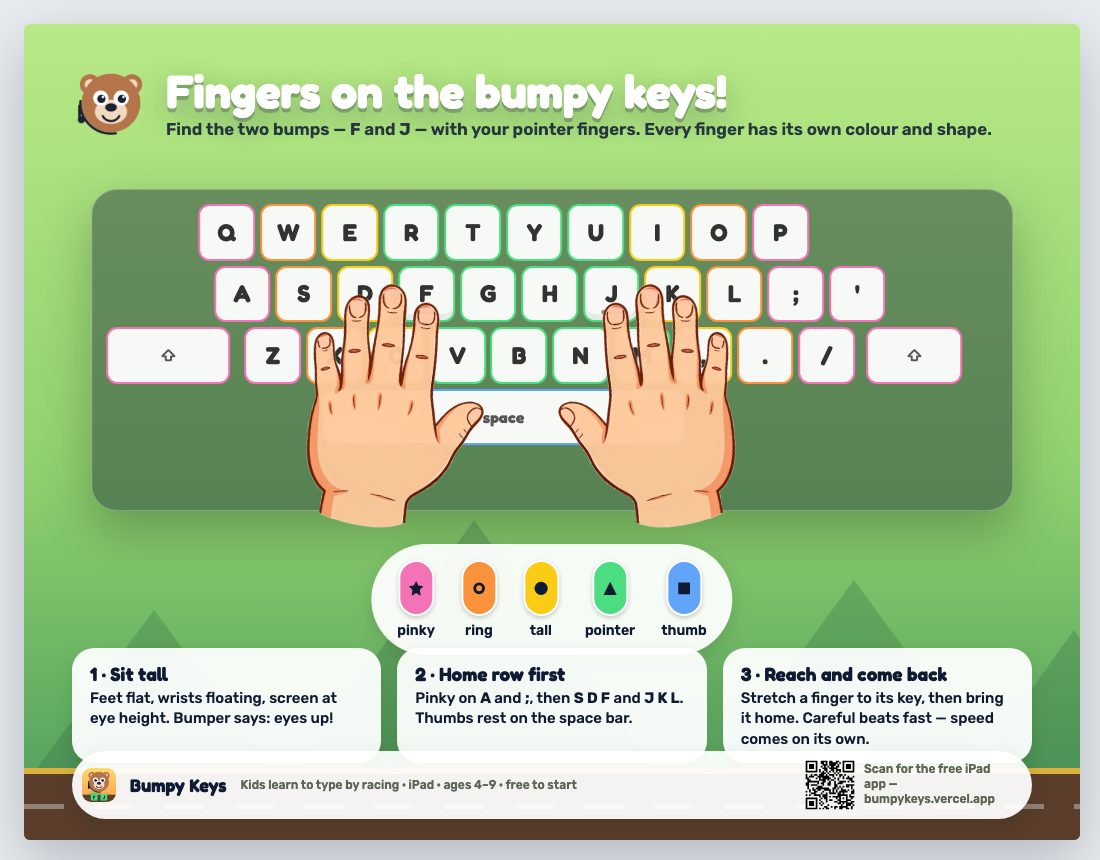
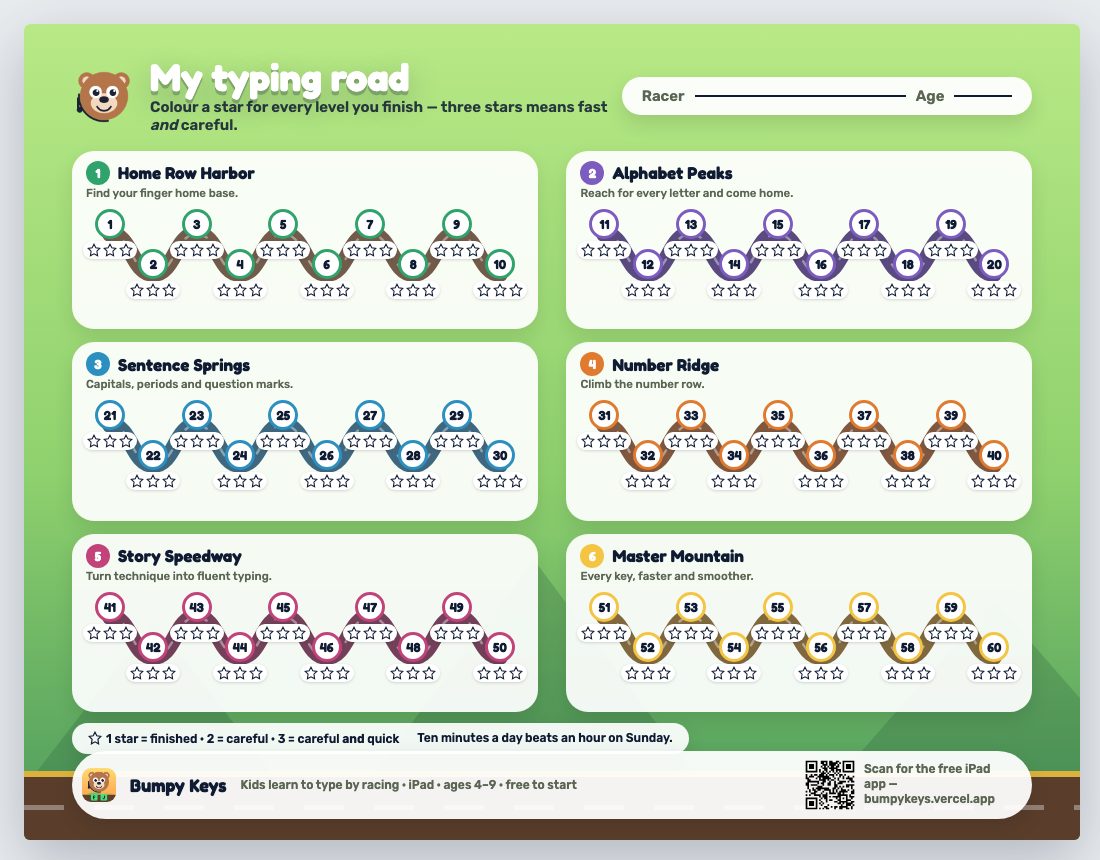
It's a racing game: every key moves the racer, so the reward is continuous, not a score at the end. Sixty short levels start with F and J and add keys by finger. Illustrated hands sit on the on-screen guide and fade as accuracy holds; "eyes up" rounds break the habit of looking down. Bumper the bear says every cue out loud. No accounts, no data, works offline — which is why teachers can put it on a cart in an afternoon.
That's the real game, two levels of it — press F to start. On an iPad it's free on the App Store.
Teaching a class? Free school codes and the classroom kit →