Getting kids ready to type for on-screen tests
When the test is on a screen, typing speed becomes reading-and-writing speed. Here's a realistic readiness plan for grades 2–5, without turning it into another test.
When the test is on a screen, typing speed becomes reading-and-writing speed. Here's a realistic readiness plan for grades 2–5, without turning it into another test.
A child who types 8 words per minute spends most of a constructed-response item finding keys, not thinking. Research on computer-based writing assessments consistently finds a typing-fluency effect on scores. It isn't fair, but it's fixable — and it's fixable in months, not years.
Accuracy above 95% at each stage matters more than the number — speed rises on its own once fingers stop searching.
Do it four days a week for a semester and the test stops being a typing test.
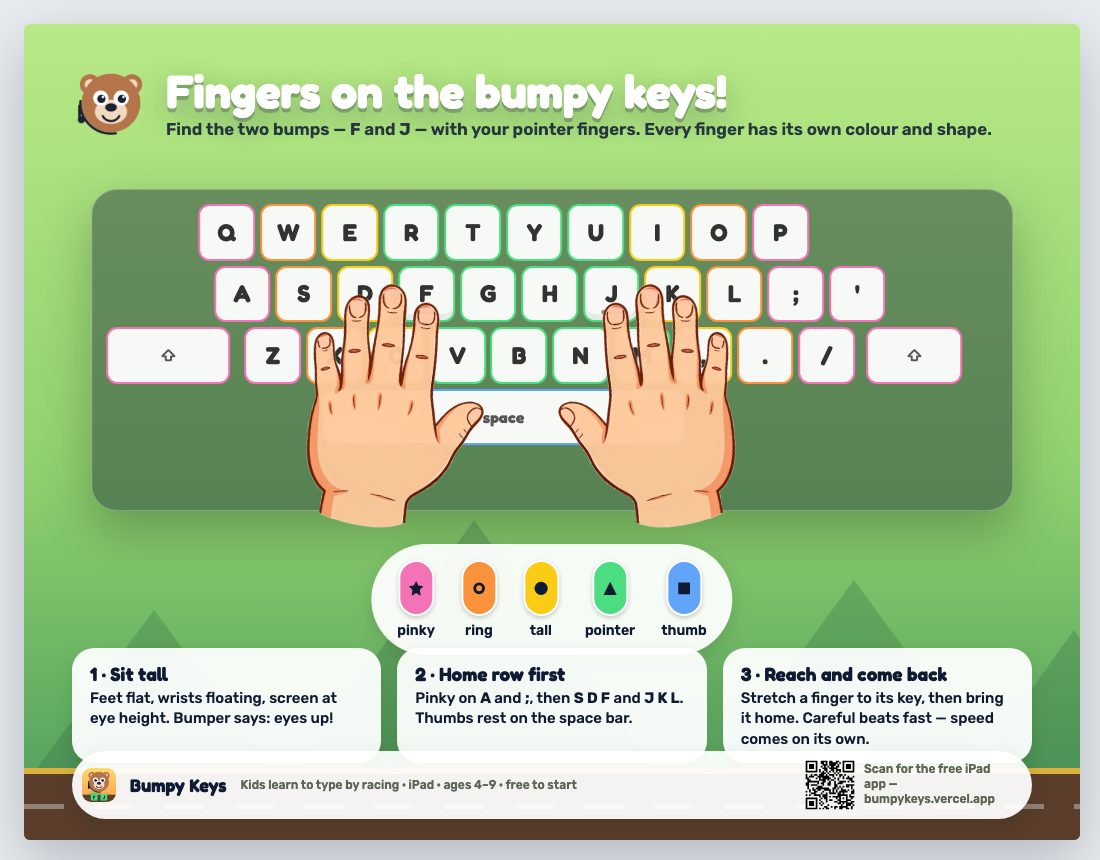
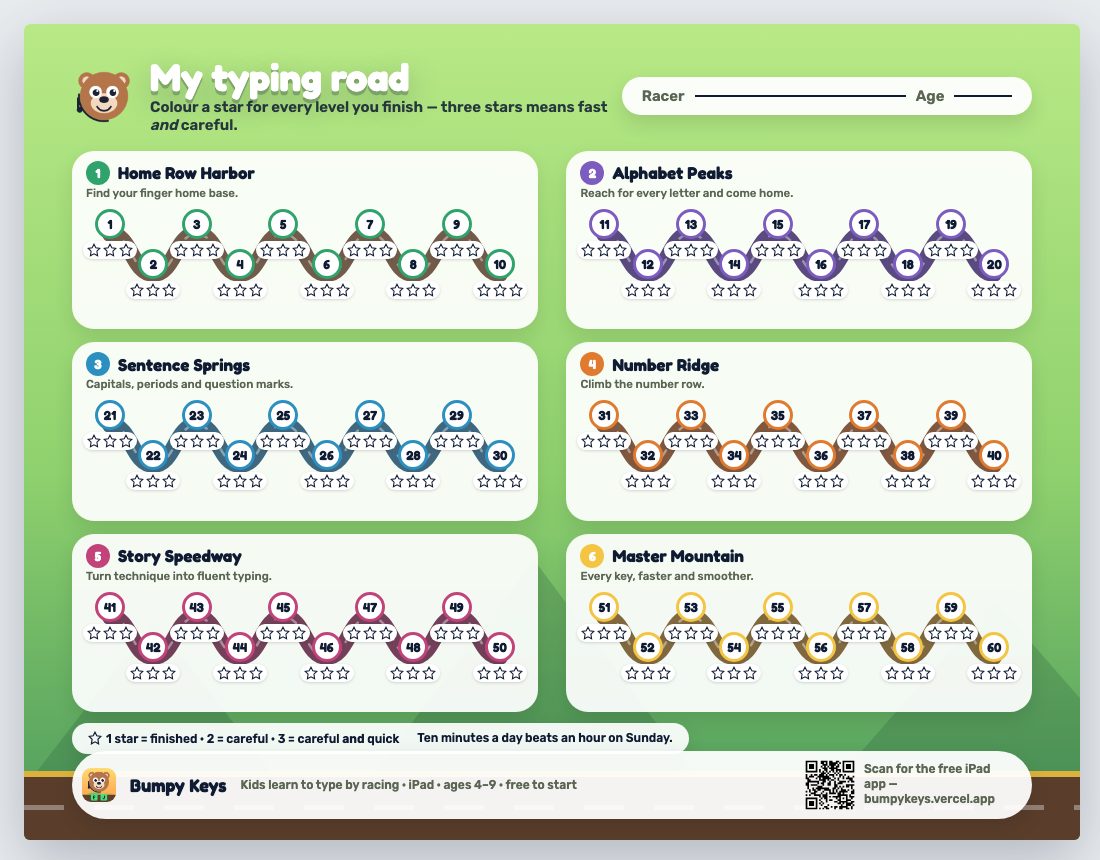
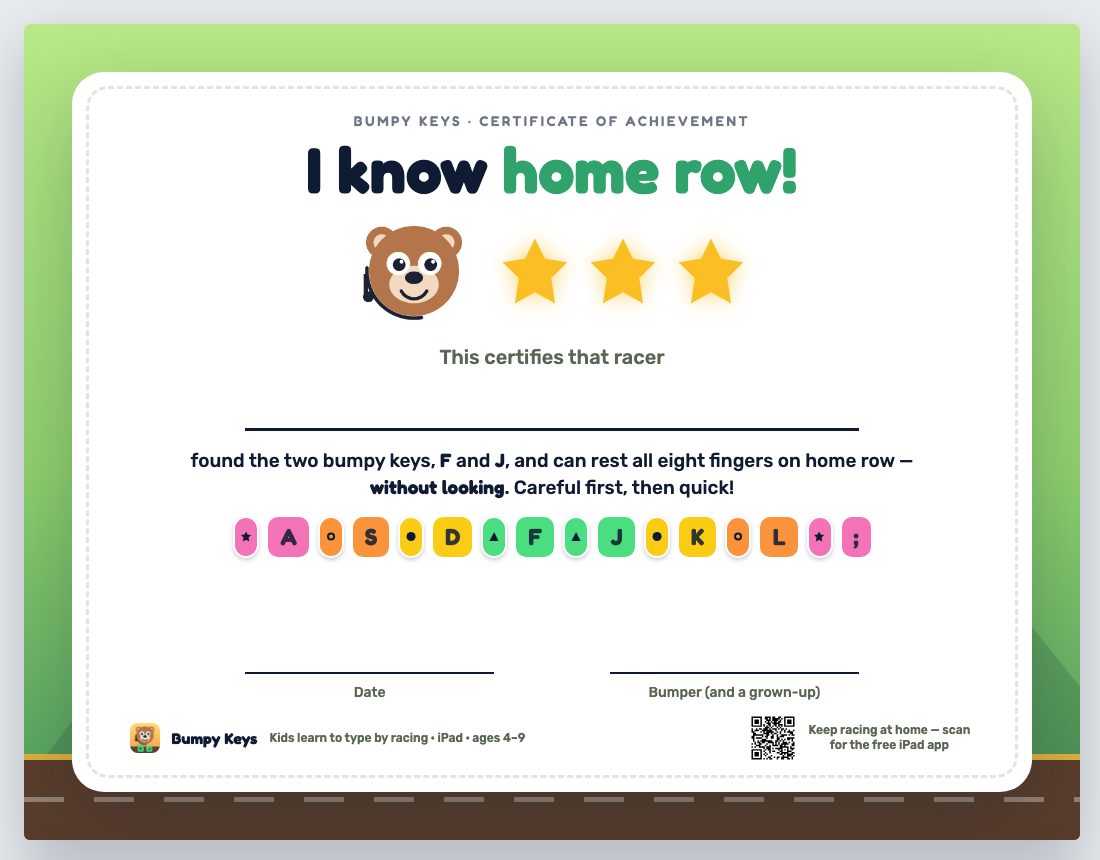
Pin up a hand-position poster, colour a progress road, and hand out a certificate at home row, at all-letters, and at the finish. Kids will practise for a sticker; they'll practise more for a road they can see filling up. Bumpy Keys runs this exact routine as a daily quest, on iPad, with no accounts.
That's the real game, two levels of it — press F to start. On an iPad it's free on the App Store.
Teaching a class? Free school codes and the classroom kit →